Reading the books on any device: PDF or EPUB?
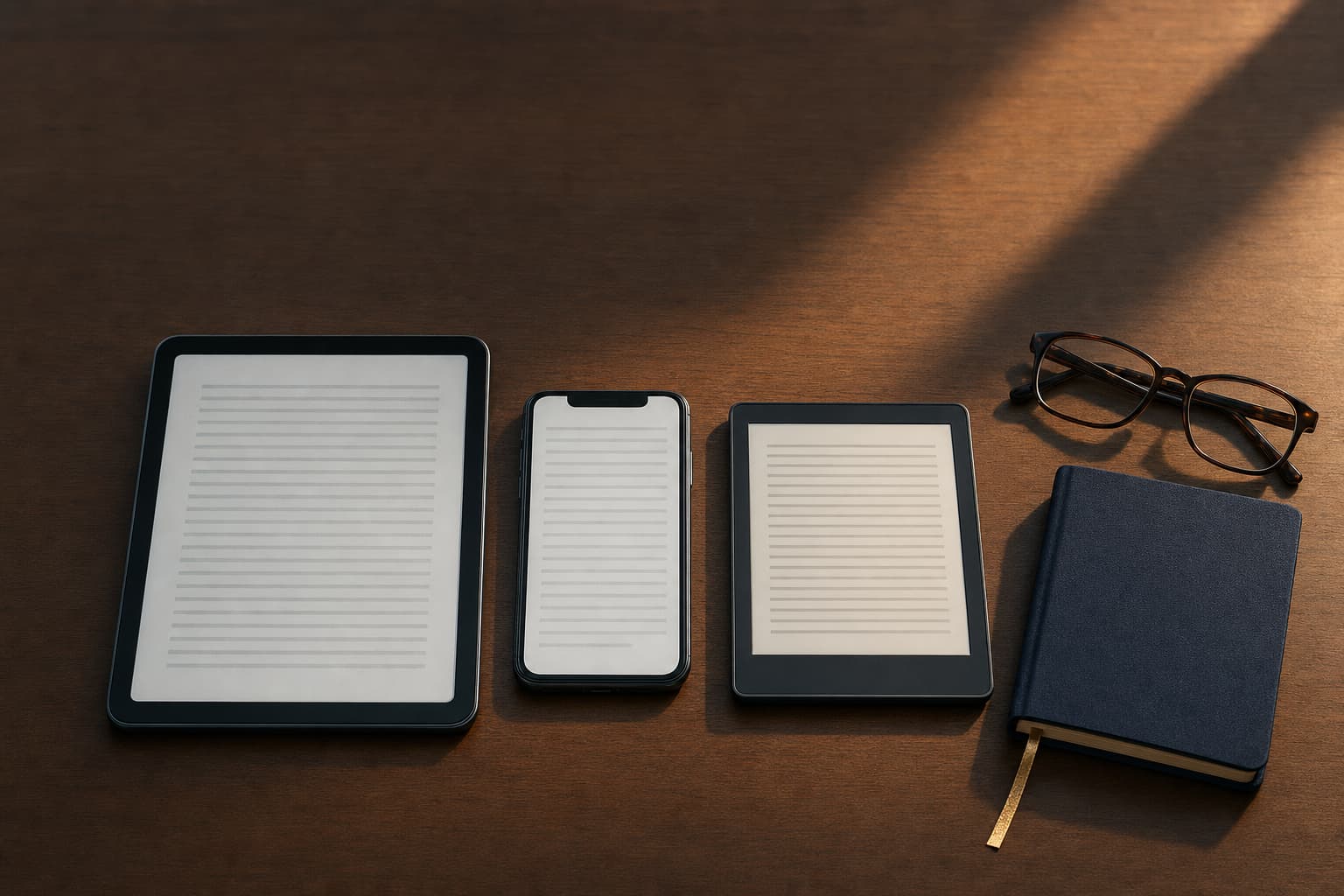
Every MLA Prep book purchase includes a PDF and an EPUB of each volume. Open the PDF on a laptop, desktop or large tablet, where its fixed 6 by 9 inch page shows the tables, difficulty tags and answer badges exactly as typeset. Open the EPUB on a phone or an e-reader, where the text reflows to the screen and you set the size you like. Both are ordinary files that open in the reader apps already on your devices, with no account and no special software. Download them from the link in your purchase email, on as many of your own devices as you like.
The PDF: the page as typeset
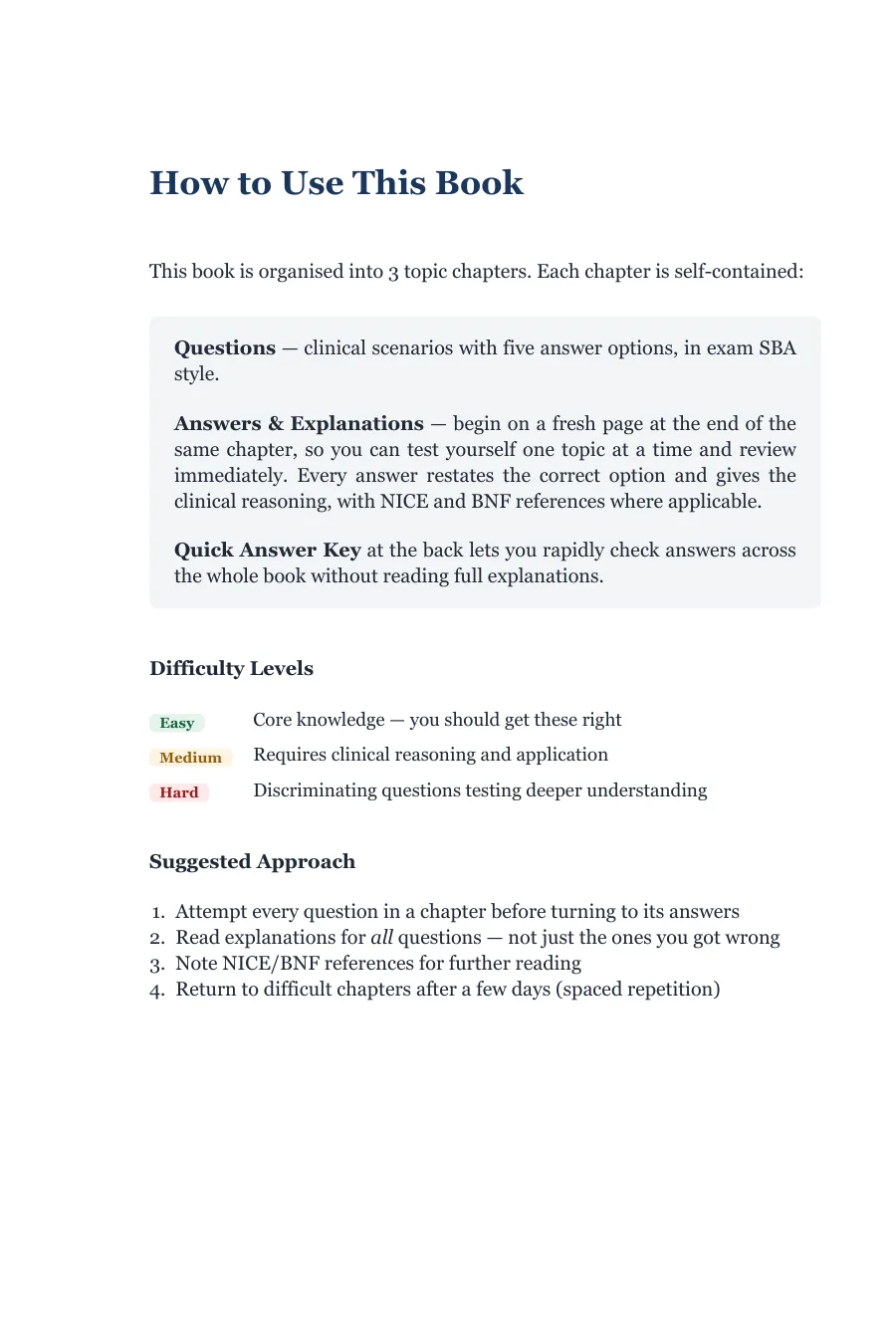
The PDF is the same file the paperback interior is printed from: 6 by 9 inches, one column, with the chapter openers, the coloured difficulty tags, the answer badges and the two-column flashcard tables laid out by hand. It suits any screen wide enough to show a page at readable size, which in practice means a laptop, a desktop or a tablet in portrait. On a Mac it opens in Preview or Books; on Windows in Edge, Chrome or Adobe Reader; on an iPad in Books or any PDF app; on Android in Drive or a PDF reader. Search works across the whole volume, so a guideline number or a drug name takes you straight to every question that uses it.
Annotation is the PDF's strength. Highlight the explanation you want to re-read, add a note to the flashcard you keep failing, and the marks stay with the file.
The EPUB: text that fits the screen
The EPUB reflows, so on a phone you get a comfortable column at whatever size you set, and on an e-reader the same. It has a chapter-level table of contents, so jumping to a topic is one tap, and in the Question Bank each question links to its answer and back within the chapter, which makes the attempt-then-mark loop work on a small screen. The flashcards become a question-and-answer list rather than a table, easier to cover with a thumb. Apple Books opens it on an iPhone, iPad or Mac; Google Play Books or any EPUB reader on Android; Calibre or Books on a computer. Most e-readers accept EPUB directly over USB or through the maker's send-by-email service.
What the EPUB cannot do is keep a wide table as a table on a narrow screen, which is why the Study Guides' flashcards are lists there, and why a large table in the notes reads better in the PDF.

Where the download lives
After checkout you land on a thank-you page and, within a minute, an email arrives with your download link. The link opens a page listing every file in your purchase: two per volume, so a complete ten-volume bundle shows twenty. The page creates fresh, short-lived download links each time you open it, and the page itself keeps working, so you can come back on a new device months later and download again. You do not need an account, because the books are sold to the email address you gave at checkout; keep that email.
Free sample
Try the Question Bank before you buy.
25 exam-style SBAs with full NICE/BNF-referenced explanations, in the exact format of every volume.
Ready for the full volumes? Browse the books →
Printing, and what to print
Print from the PDF. Two 6 by 9 pages fit side by side on one A4 sheet at close to full size, so a chapter of questions costs a sheet or two. The pages worth printing are the ones you will mark by hand: a chapter's questions for a timed attempt, the Quick Answer Key, and the flashcard tables you want on the commute. Nobody needs the whole 390-page Cardiovascular Medicine volume on paper; that is what the file is for.
Try the format first
If you want to check how the files behave on your own devices before buying, the free samples are cut from the real files: 25 questions from the Question Bank or two chapters of a Study Guide, as a PDF. Open one on your phone and one on your laptop and you will know within a minute which file you will reach for.
Quick answers
- Can I read the books on more than one device?
- Yes. The files are yours to download from your purchase link on any device you own; there is no device limit and no account to sign into. Copy them into your reader app of choice on each one.
- The email hasn't arrived. What do I do?
- Check the spam folder first, then the address you typed at checkout. If it still has not arrived within a few minutes, email support@mlaprep.co.uk from the address you used at checkout and we will resend the link.