The UKMLA app on iPad
The app installs on iPad from the same free App Store listing, and a Premium subscription bought with your Apple account unlocks the app on any device signed into that account. In practice the split settles quickly: the iPhone owns the placement gaps and commutes, and the iPad owns evening notes and mock-exam sittings.

What earns the bigger screen
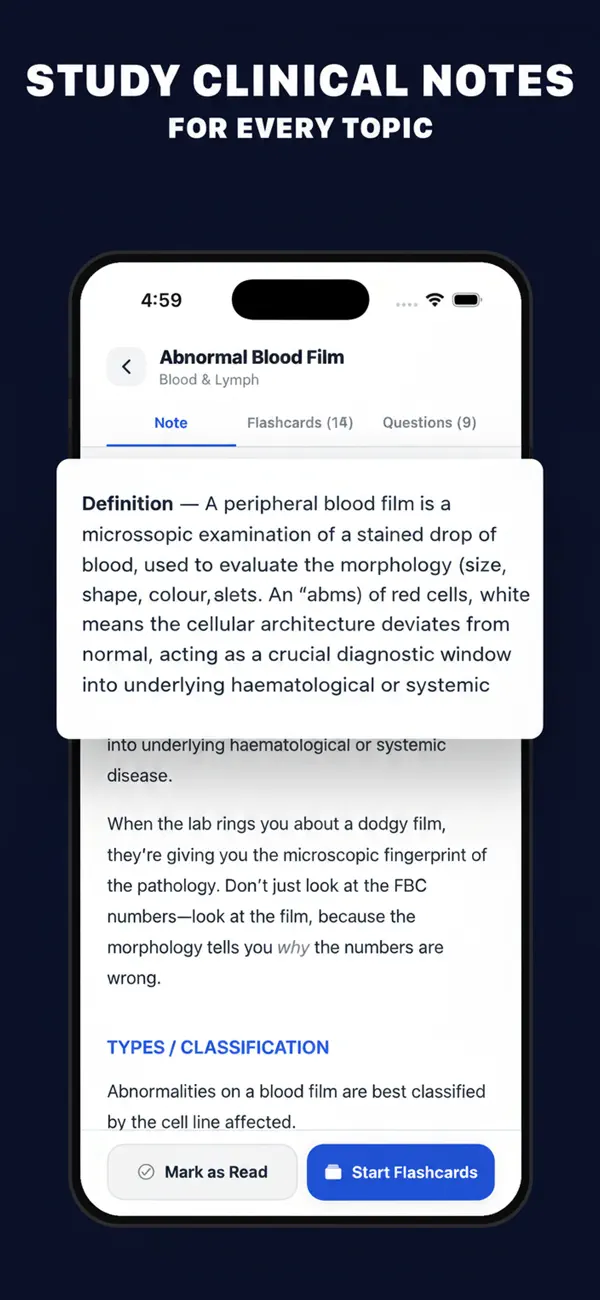
Clinical notes read like pages instead of feeds: a full topic, its linked flashcards and its questions sit in tabs you can actually see at once. The Content Map browser benefits most, showing specialties, blueprint weightings and per-topic progress as one overview rather than a scroll. For visual topics, a blood film or an ECG trace at iPad size is simply a different learning experience from the same image at phone size.
Three-hour mocks want a propped screen
The real AKT is sat at a screen, so rehearsing your 200-question timed papers on a propped iPad is closer to exam conditions than holding a phone for three hours, and noticeably kinder to your neck. The countdown, flagging and post-exam review work identically; airplane mode keeps the sitting honest and offline.
One honest note on two devices
Progress is stored on each device rather than synced through a cloud account, which is part of how the app stays account-free and fully offline. If you use both devices, give each a stable job: the iPad as the home of mocks and your main analytics, the iPhone for due-piles and quick sessions. The subscription covers both either way.
Quick answers
- Do I pay again to use the app on iPad?
- No. Download it on both devices with the same Apple account; a Premium subscription purchased on one applies on the other automatically through the App Store.
- Does my progress move between iPhone and iPad?
- No — progress lives on each device, which is what lets the app run with no account and fully offline. Most people keep mocks and analytics on one primary device for that reason.